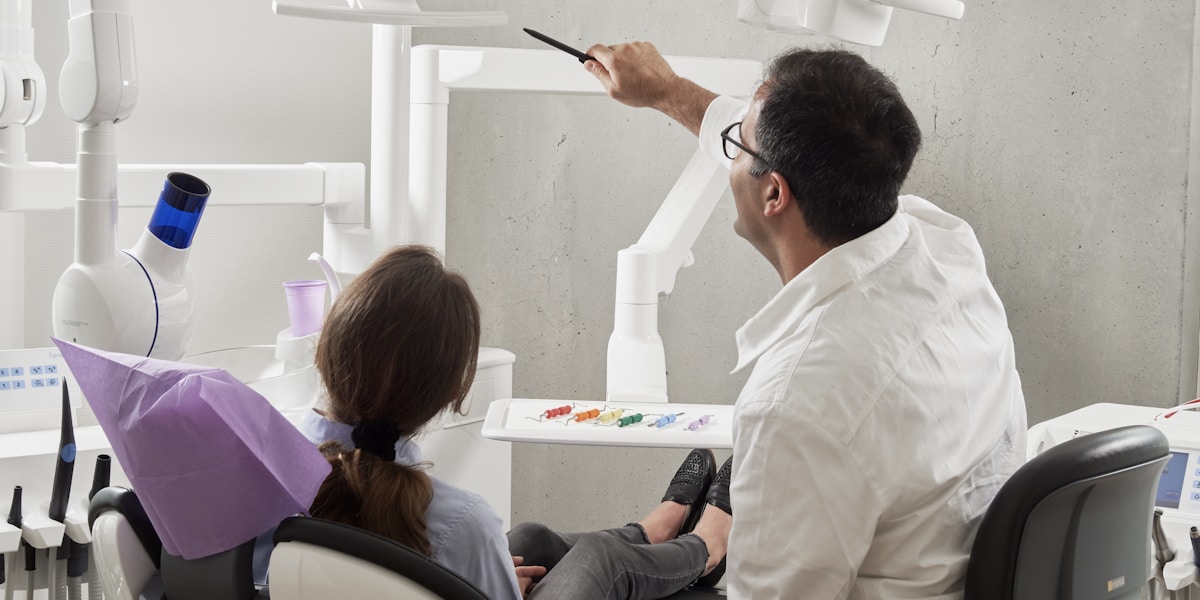
Dr. Martinez checked her schedule for Thursday. Eight patients booked, a full day. By 5 PM, only five had shown up. Three empty chairs. Three hours of lost production. Roughly $600 in revenue that walked out the door—or rather, never walked in.
This isn't a bad day. For many dental practices, this is a normal day. The average dental practice sees a no-show rate between 10-20%, with some practices hitting 30% or higher. Each empty chair represents not just lost revenue, but wasted staff time, disrupted schedules, and patients who aren't getting the care they need.
The good news: no-shows aren't inevitable. Practices that implement systematic reminder and confirmation processes consistently cut their no-show rates by 30-50%. Here's how to do it.
How Much Are No-Shows Costing You?
Before fixing the problem, understand its size. This calculator shows your annual loss from missed appointments.
No-Show Cost Calculator
See your annual revenue loss from missed appointments
Weekly No-Shows
Monthly Loss
Annual Loss
Recoverable (50%)
Most practices can reduce no-shows by 30-50% with proper reminder systems
Why Patients Miss Appointments
Understanding why patients no-show helps you address the root causes. Research shows these are the primary reasons:
Simply Forgot
~40% of no-showsLife gets busy. Appointments booked weeks ago slip from memory. This is the easiest category to fix with reminders.
Schedule Conflict
~25% of no-showsWork meetings, childcare issues, or other appointments. Many would reschedule if given an easy way to do so.
Dental Anxiety
~20% of no-showsFear of dental procedures causes avoidance. These patients often intend to come but can't bring themselves to show up.
Cost Concerns
~15% of no-showsUncertainty about insurance coverage or out-of-pocket costs. Clear communication about costs reduces this.
7 Strategies That Actually Work
1. Multi-Channel Reminder Sequence
One reminder isn't enough. The most effective approach uses multiple touchpoints across different channels. A typical sequence:
- 7 days before: Email with appointment details and preparation instructions
- 2 days before: Text message with confirm/reschedule options
- Day before: Phone call for confirmation (automated or live)
- Morning of: Final text reminder with office address
Practices using this multi-touch approach see 25-40% reduction in no-shows compared to single reminders. Learn more about how AI receptionists can automate this entire sequence.
2. Two-Way Confirmation
Don't just remind—require confirmation. When patients actively confirm (pressing 1, replying "YES", or clicking a link), they're 3x more likely to show up than those who passively receive reminders.
If a patient doesn't confirm within 24 hours, your staff knows to follow up or fill the slot from your waitlist.
3. Easy Rescheduling Options
Make it easier to reschedule than to no-show. Include reschedule links in every reminder. When patients can reschedule with one click or a quick call to an AI voice agent, they're more likely to do that than simply not show up.
4. Strategic Overbooking
If your no-show rate is 15%, consider booking 1-2 extra patients per day in slots that historically have higher no-show rates (typically early morning and late afternoon). This requires careful tracking of your patterns.
5. Waitlist Management
Maintain an active waitlist of patients who want earlier appointments. When someone cancels or doesn't confirm, you can fill the slot within hours. Automated systems can even call waitlist patients automatically.
6. Deposit or Prepayment for High-Value Procedures
For procedures over $500, consider requiring a deposit. Patients who've paid something are significantly more likely to show. Frame it as "reserving your time" rather than a penalty.
7. Address Anxiety Proactively
For patients with noted dental anxiety, personalized outreach helps. A call the day before saying "We know dental visits can be stressful—we've reserved extra time for you and Dr. Smith will go at your pace" can make the difference.
Reminder Timing That Works
Timing matters. Send reminders too early and patients forget again. Too late and they can't adjust their schedule.
Reminder Timing Guide
Optimal reminder sequence by appointment type
AI Confirmation Calls That Feel Personal
Phone calls have the highest confirmation rate, but they're time-consuming for staff. An AI receptionist can make confirmation calls that sound natural and handle common responses.
"Hi, this is Sarah calling from Bright Smile Dental. I'm confirming your cleaning appointment tomorrow at 2 PM with Dr. Chen. Will you be able to make it?"
"Oh shoot, I forgot about that. I actually have a work meeting at 2. Can I reschedule?"
"Of course! I can help you find a new time. We have openings Thursday at 10 AM or Friday at 3 PM. Would either of those work better for you?"
"Friday at 3 works."
"Perfect, I've moved your cleaning to Friday at 3 PM. You'll get a text confirmation shortly. Is there anything else I can help with?"
Without this call, this patient would have been a no-show. Instead, the appointment was saved.
"Hi Maria, this is calling from Downtown Dental about your appointment tomorrow at 9 AM. I wanted to check in and see if you have any questions before your procedure."
"I'm really nervous about it, honestly. I've been thinking about canceling."
"I completely understand—it's normal to feel nervous. Dr. Patel is very gentle and will make sure you're comfortable throughout. We also have sedation options if you'd like. Would it help to speak with the office about what to expect?"
"Maybe. What kind of sedation do you offer?"
"We offer nitrous oxide, which helps you relax during the procedure, and oral sedation for patients who prefer something stronger. I can have our office manager call you in the next hour to discuss the options and answer any questions. Would that help?"
"Yes, that would be good."
Smart Waitlist: Fill Cancellations Fast
When a patient cancels or doesn't confirm, you have a narrow window to fill that slot. A smart waitlist system can automatically contact patients who want earlier appointments.
How Automated Waitlist Filling Works
Patient cancels or doesn't confirm by deadline
System flags the slot as available
AI calls waitlist patients automatically
"Hi, we had a cancellation tomorrow at 2 PM. Would you like that slot?"
First patient to accept gets the slot
Confirmation sent immediately, calendar updated
Staff notified of the change
No manual calling required
Practices using automated waitlist filling recover 60-80% of cancelled slots, compared to 20-30% with manual calling.
This approach works especially well for dental practices and healthcare providers where appointment slots have high value and patients often want earlier availability.
What Results to Expect
Implementing these strategies doesn't happen overnight, but the results compound quickly.
Expected Timeline
Month 1
15-20%
Reduction in no-shows from basic reminder sequence
Month 2-3
30-40%
With confirmation calls and waitlist system active
Month 6+
40-50%
Full system optimized with patient behavior data
ROI Example: Mid-Size Dental Practice
Before
After (6 months)
For more on the financial impact of missed appointments, see our guide on the true cost of missed calls for service businesses.
Stop Losing Revenue to Empty Chairs
Automated reminders and AI confirmation calls can cut your no-show rate in half. See how it works for dental practices.
Get Started - $0.11/minNo contracts. Pay only for calls made.

Vozexo Team
Helping dental practices fill every chair. Questions? Contact us.